Inside Studio Inconclusive
A room for
your next idea.
A private recording and production studio in Chichester. Real instruments, hands-on equipment and a little space to make something your own.
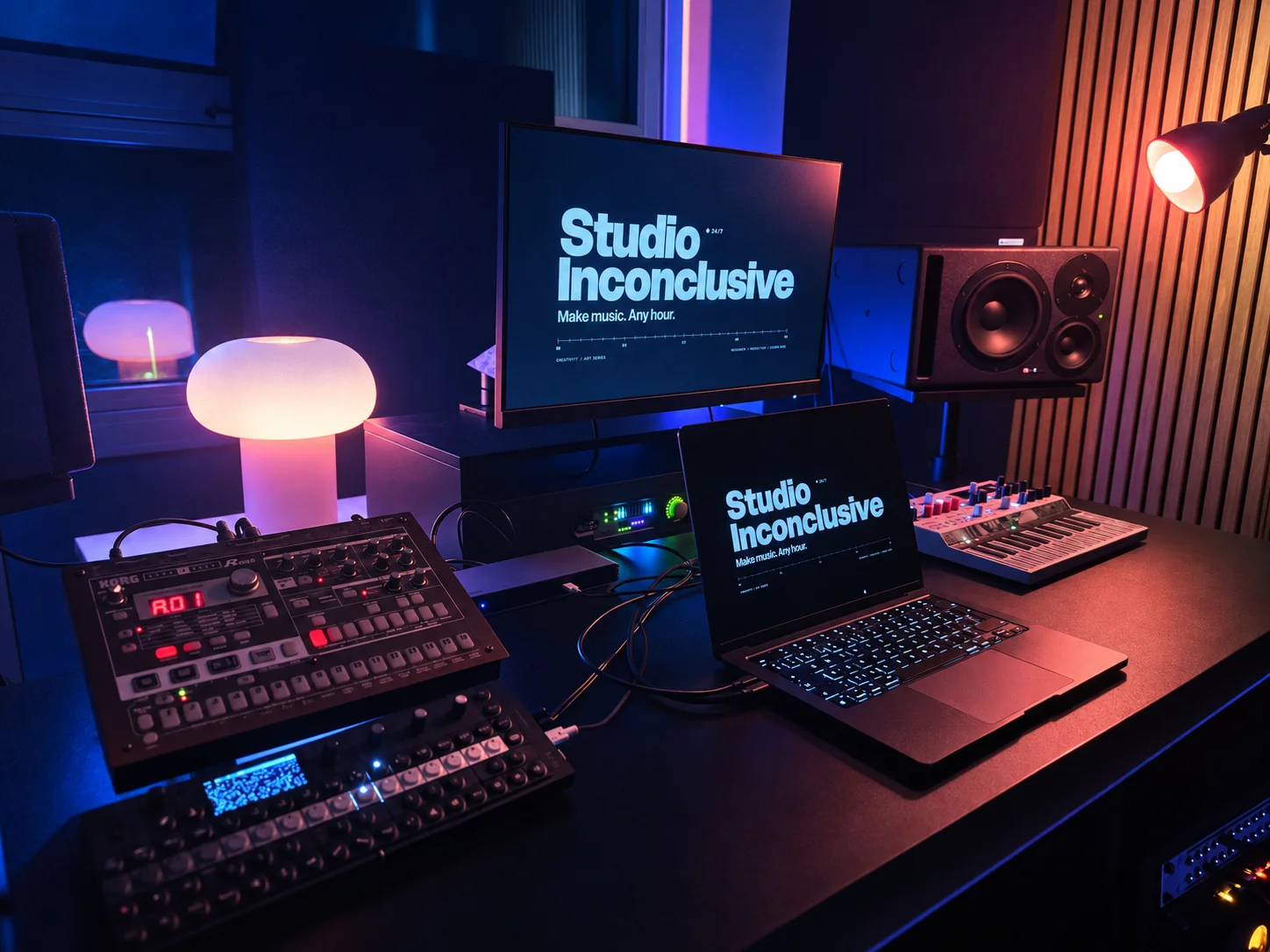
01 / Take a look around
Make yourself
at home in the music.
An intimate, acoustically treated room for writing, recording, production and listening. Hire it to run your own session, or book recording help or production with Cadyn separately.
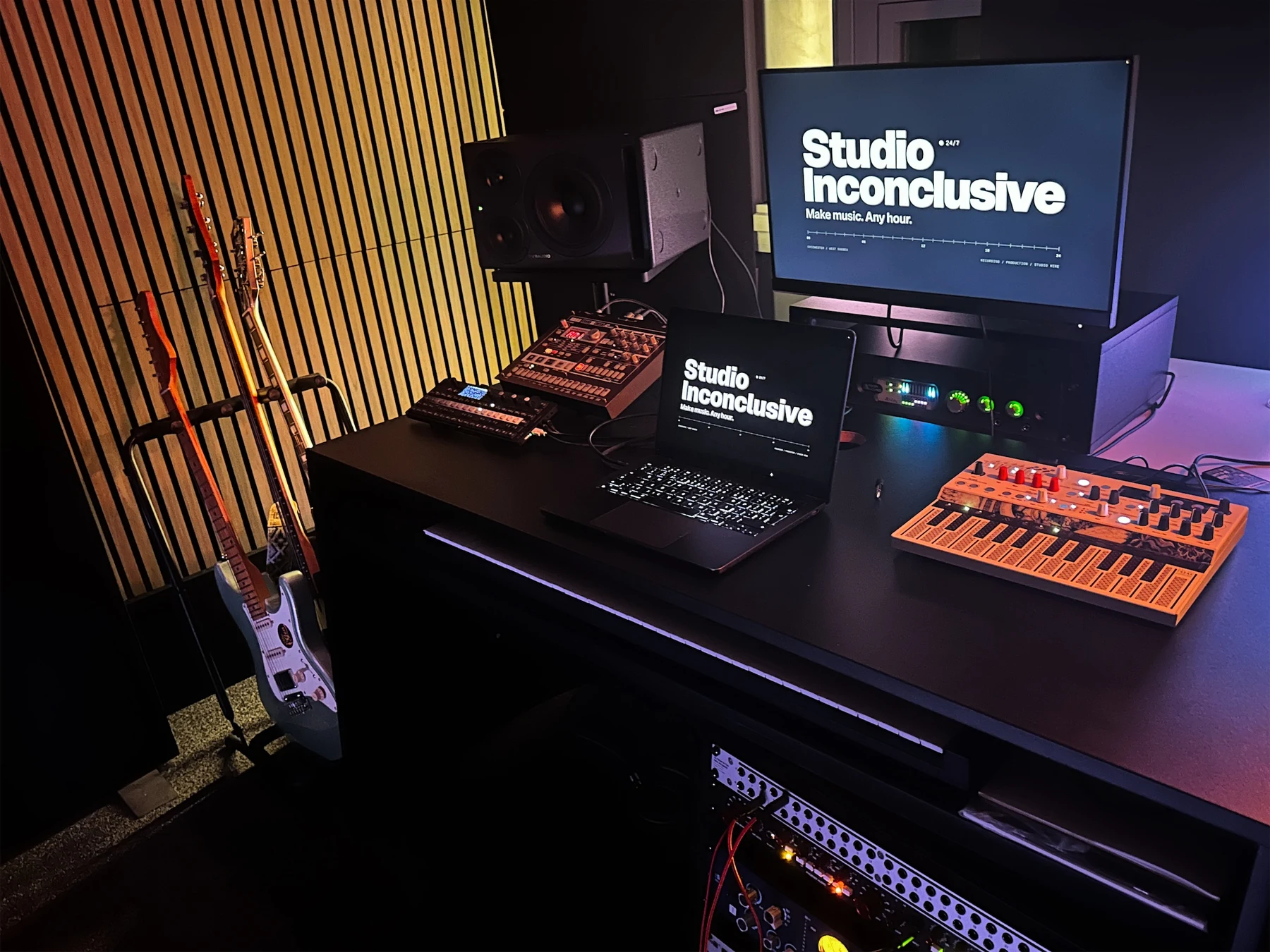
Studio photographs. Equipment and layout can change; browse the collection below for the current session listing.
02 / The collection
Keys. Strings.
Circuits. Possibilities.
Explore the same equipment collection available in our booking guide. See what lives in the room and what you can arrange in advance.
25 items
Select a piece to explore it. The same collection appears when you book a session.
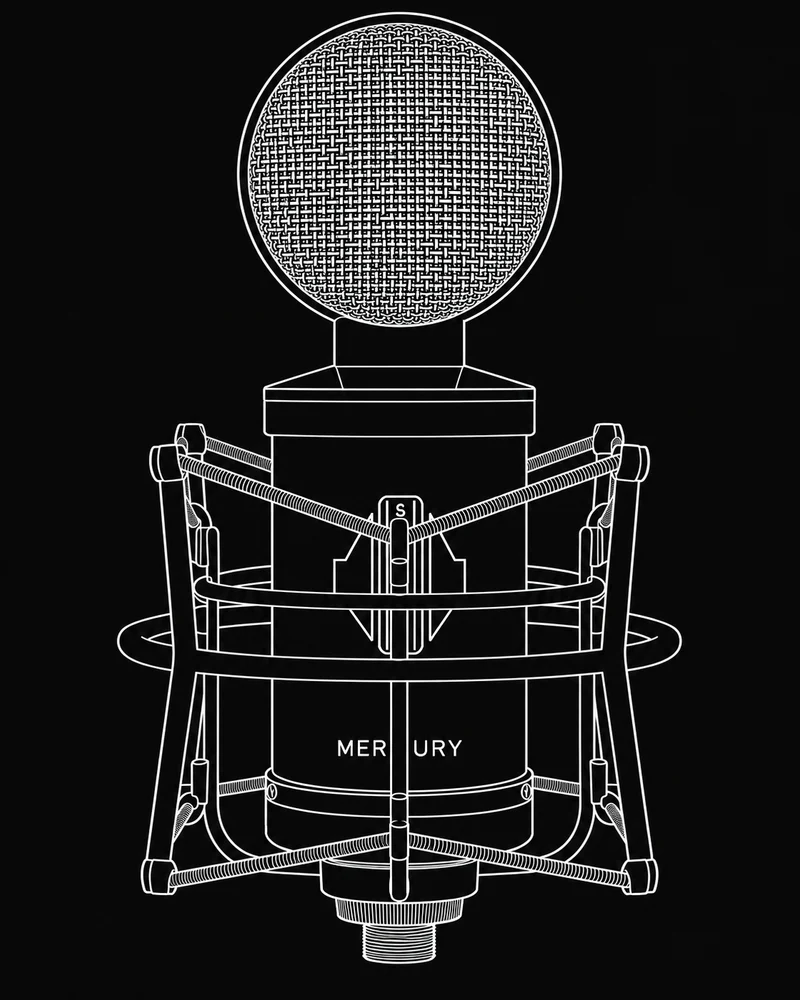 Sontronics MercuryValve condenser microphoneIn the room
The room's main vocal microphone. Its large-diaphragm valve design captures a voice or acoustic instrument, while a variable pickup pattern changes how much sound it hears from the front, sides and room.
Before your session
Ask the host to check the microphone position, power supply and recording chain before use. Leave power and cabling changes to the host.
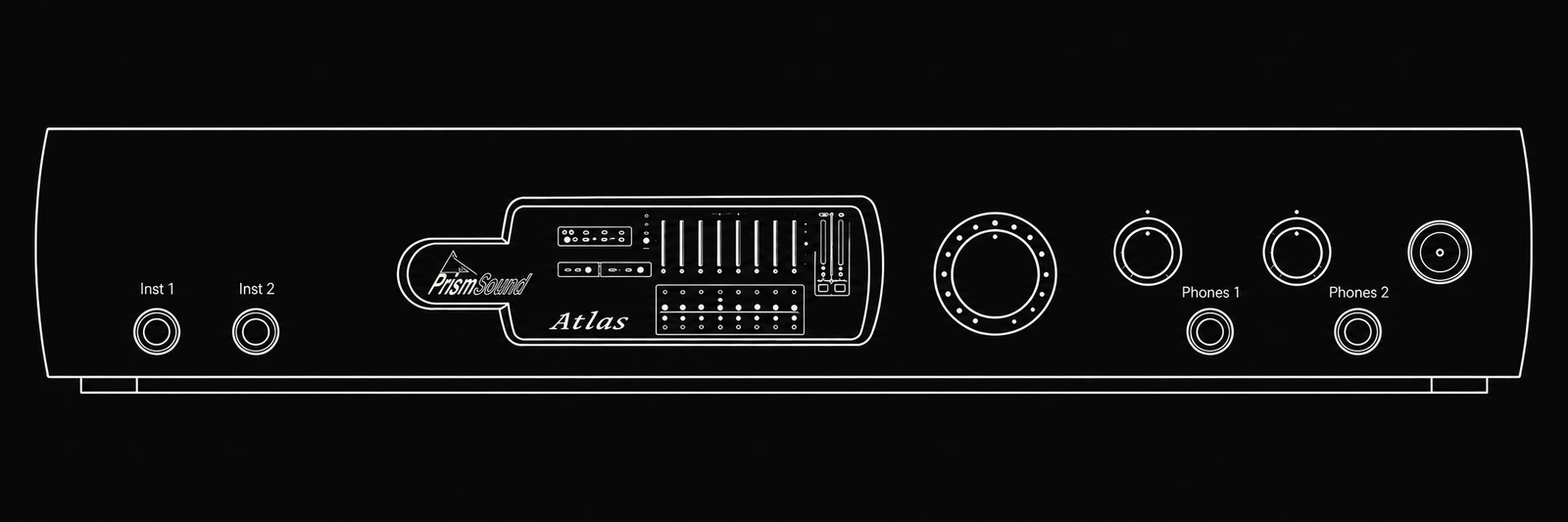 Prism Sound Atlas DanteAudio interfaceIn the room
The connection between your music software and the room. Atlas turns microphone and instrument signals into recordings, and sends playback from the computer to the monitors and outboard equipment. The guest laptop connection is USB; Dante is a separate network option.
Before your session
Install the appropriate Prism Atlas software before arriving with your own laptop. Check the current Mac or Windows compatibility notes, bring a suitable USB data cable or adaptor, and confirm routing with the host.
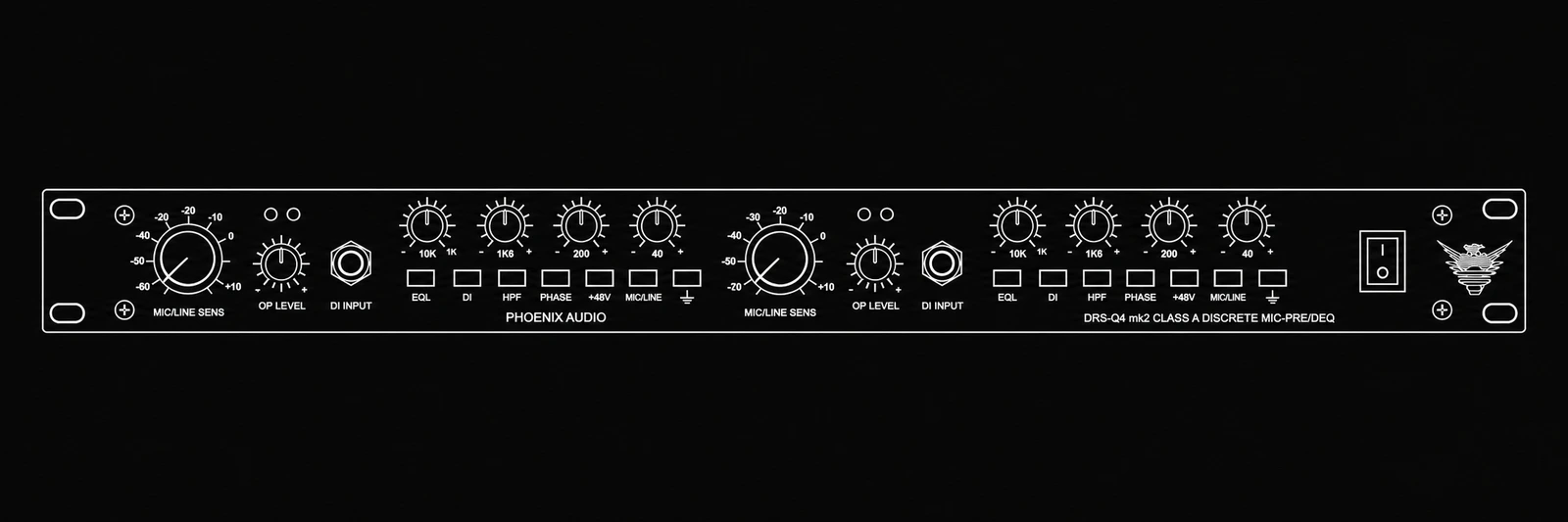 Phoenix Audio DRS-Q4 MkIITwo-channel preamp, DI & EQIn the room
A hardware front end for recording. The preamp brings microphone signals up to recording level; the instrument DI accepts guitar or bass; four-band EQ shapes the tone. Its two channels can also process suitable line-level sources.
Before your session
Confirm the input, gain and patching with the host. Hardware processing recorded into your audio cannot simply be switched off later like a plug-in.
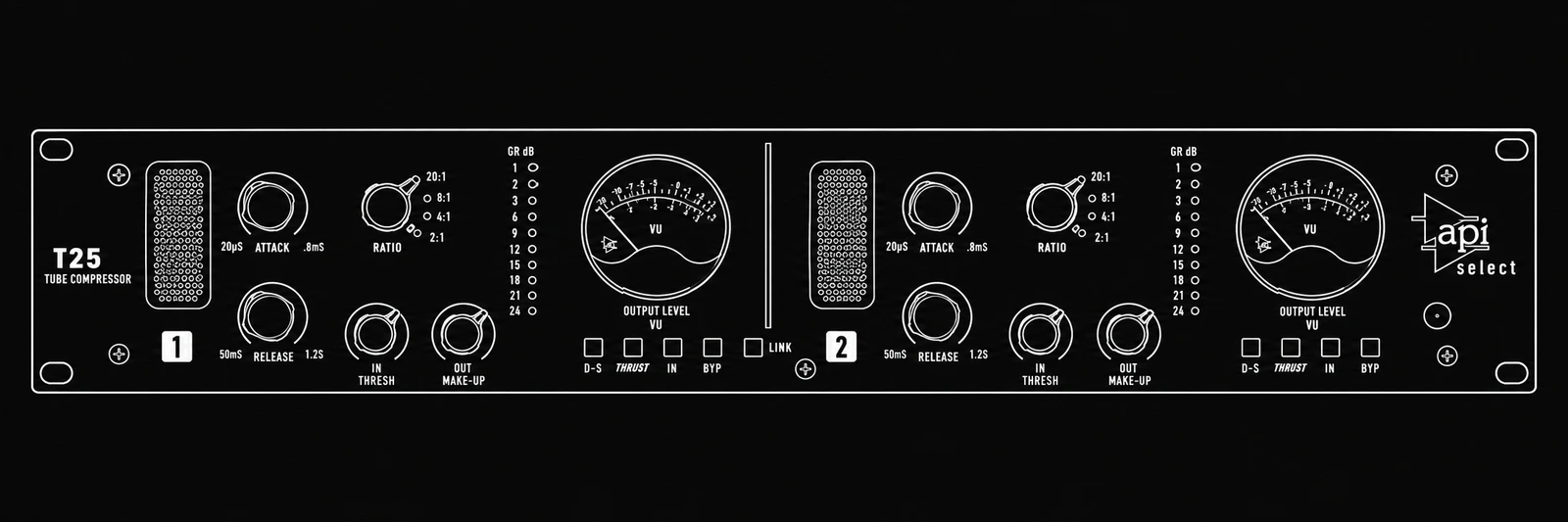 API Select T25Two-channel compressorIn the room
A compressor controls how a signal's level changes over time. The T25 uses FET gain reduction with a valve output stage. It can gently even out a performance or shape its attack, with linked operation for stereo material.
Before your session
Ask the host to set up the routing. Keep an unprocessed recording when practical if you want to revisit the compression later.
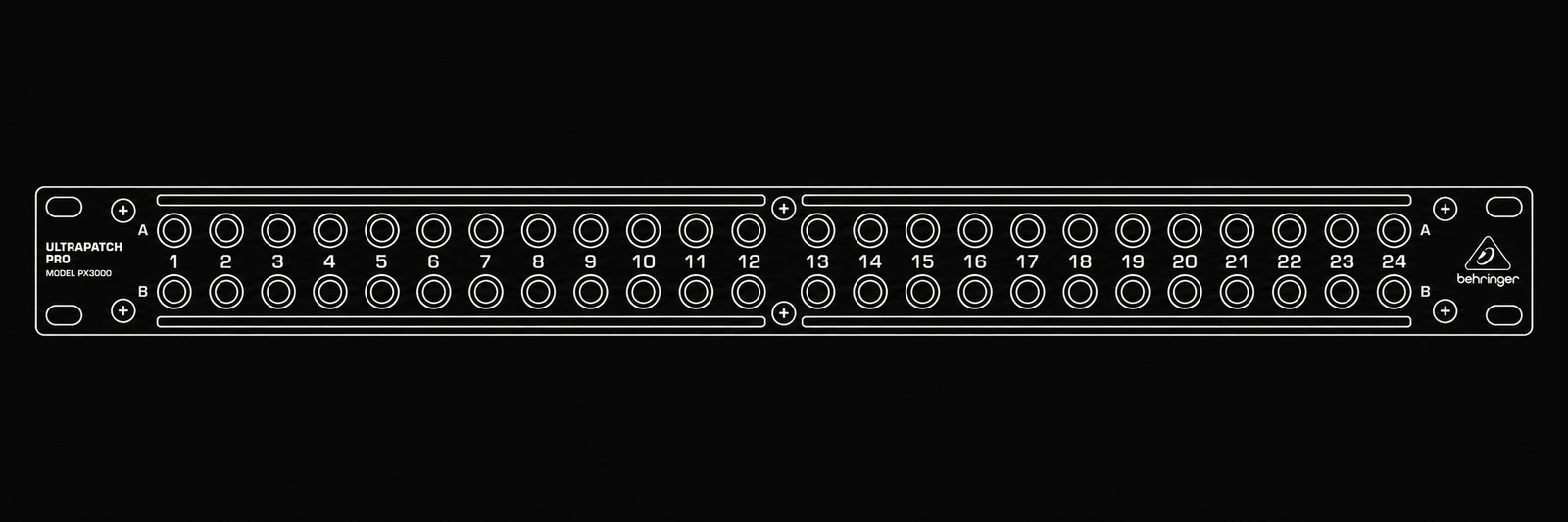 Behringer PX3000Audio patchbayIn the room
The rack's connection point for moving audio between the interface and outboard equipment. It makes different recording and processing paths possible without reaching behind every device.
Before your session
Do not repatch unfamiliar connections. The host will confirm the current routing and the correct sends and returns for your session.
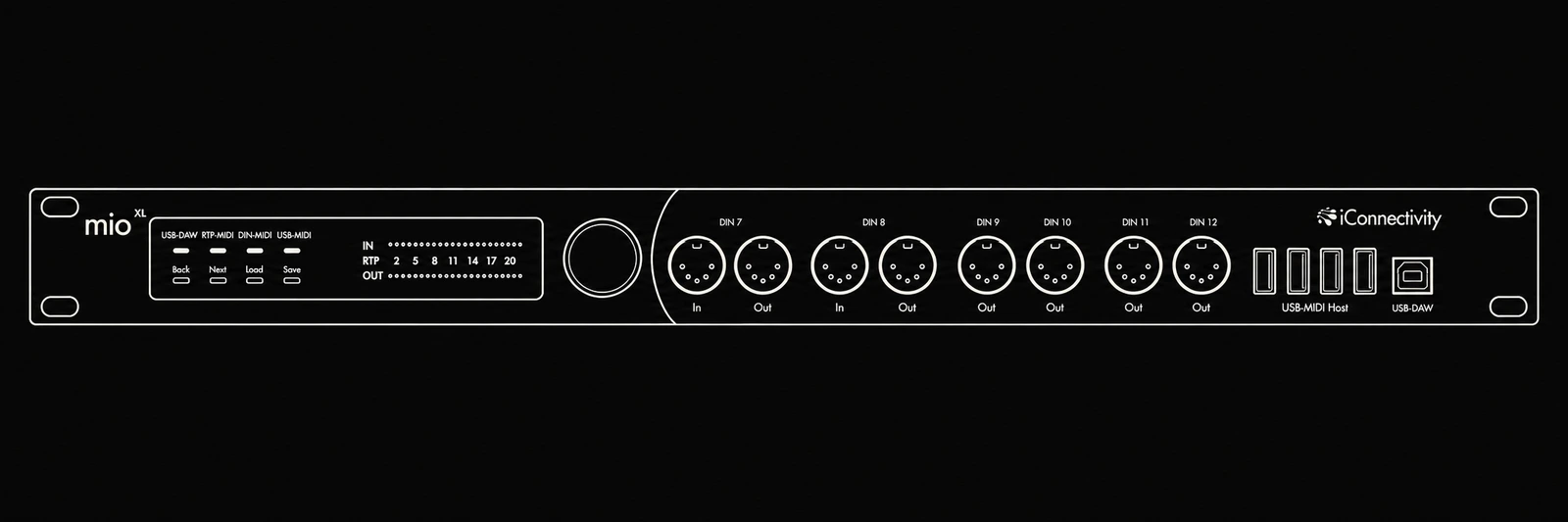 iConnectivity mioXLMIDI interface & routerIn the room
Carries notes, controller movements and timing information between the computer and hardware instruments. MIDI tells an instrument what to play; it does not carry the instrument's audio, which still needs to be recorded through the audio interface.
Before your session
Ask the host for the assigned MIDI port and channel. Record hardware parts as audio before leaving so your project can play without the studio instrument.
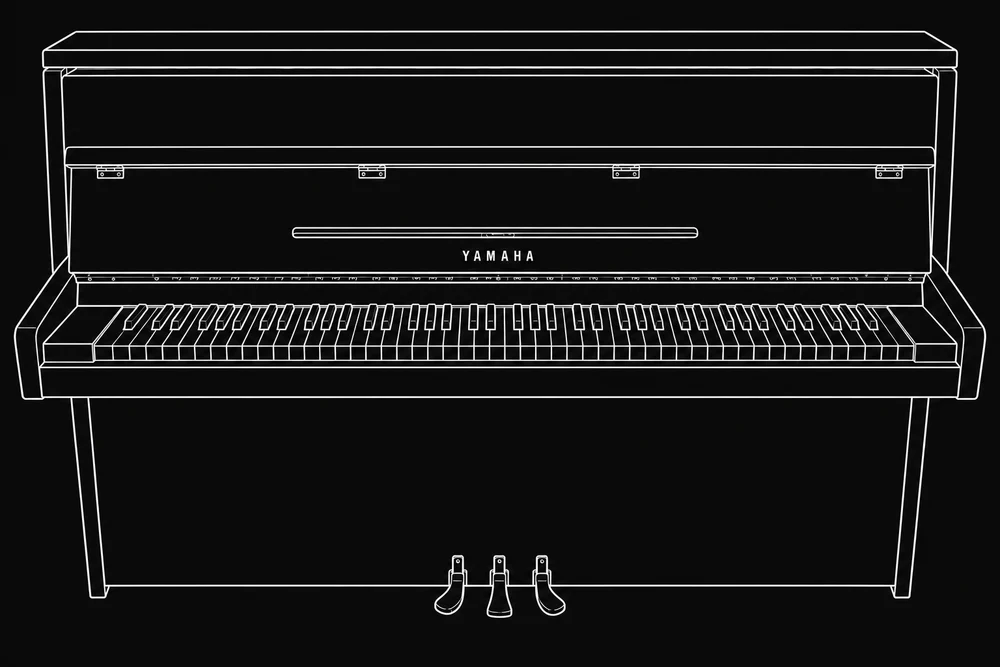 Yamaha M5JAcoustic upright pianoIn the room
A cream-white acoustic upright with real strings, hammers and a soundboard. Touch and pedal change the resonance of the instrument. Unlike a software piano, a microphone records the performance and the surrounding room together.
Before your session
Tell us if piano recording is central to your session so microphone placement can be planned. Do not move the piano or place equipment on it.
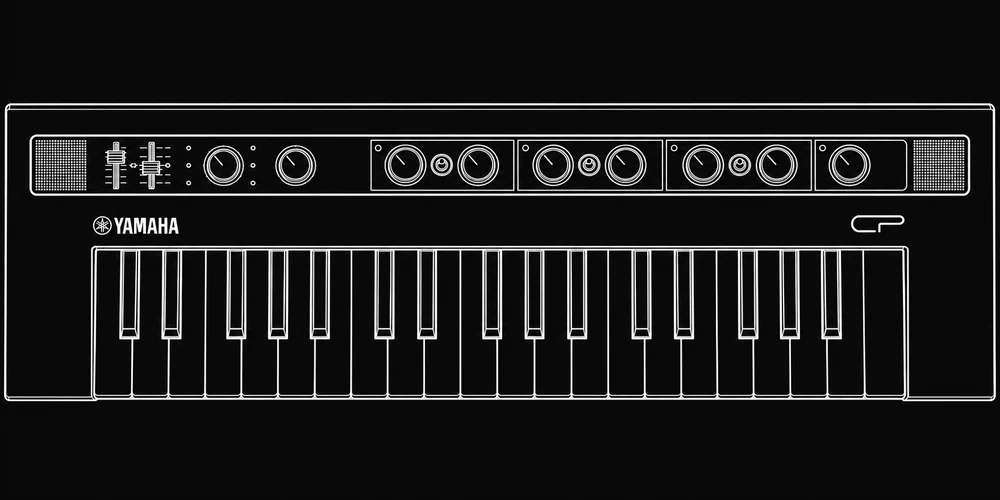 Yamaha reface CPElectric piano keyboardIn the room
Six electric-keyboard voices in a compact instrument, from tine and reed electric pianos to clavinet-style sounds, toy piano and CP80 electric grand. Dedicated effects add drive, movement, delay and reverb.
Before your session
Record the audio of the part and note the sound settings if you want to return to it later.
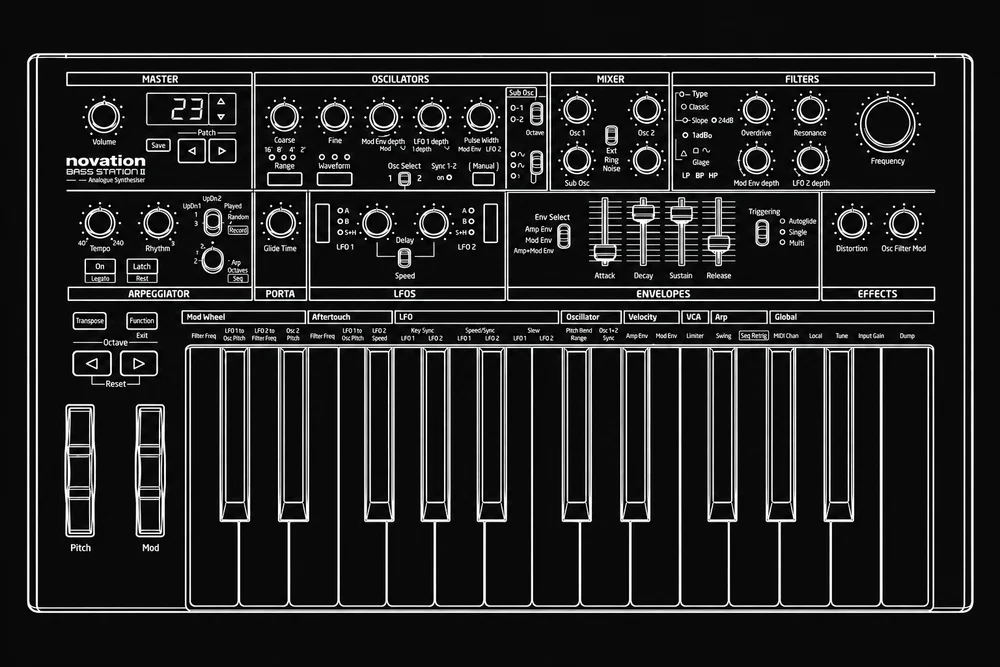 Novation Bass Station IIAnalogue synthesiserIn the room
A hands-on analogue synth built around two oscillators, a sub oscillator and two filter characters. It excels at bass lines, leads and synthetic percussion, with controls for shaping how each note starts, changes and fades.
Before your session
Save or record your sound before changing patches. Additional playing modes depend on the installed firmware; ask the host rather than updating it yourself.
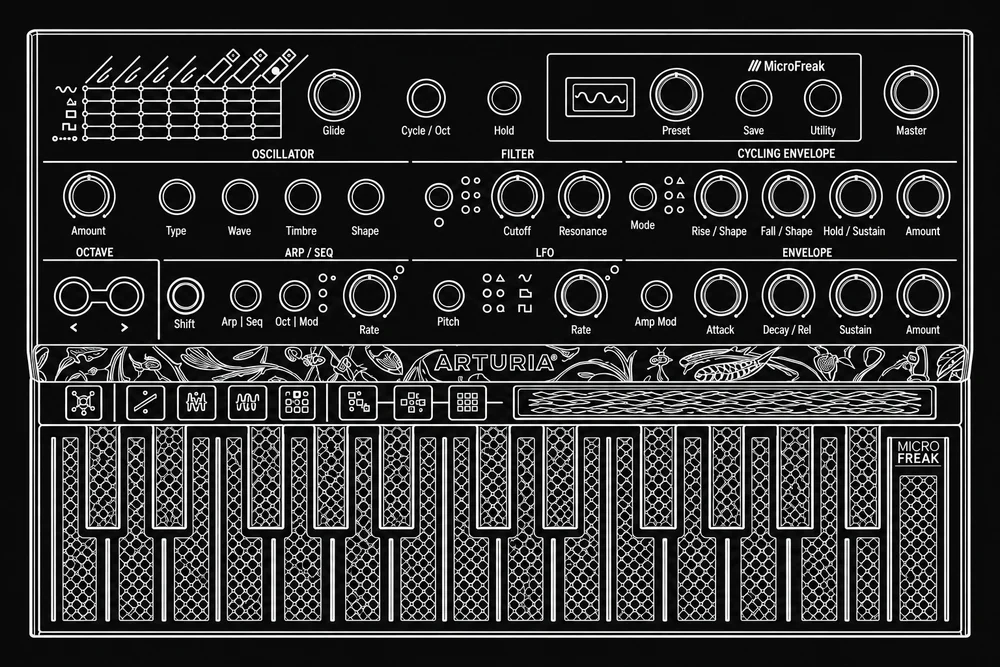 Arturia MicroFreakHybrid synthesiserIn the room
Digital sound engines meet an analogue filter and a touch-sensitive keyboard. Different oscillator types offer very different starting sounds, while sequencing and modulation turn them into shifting patterns and textures.
Before your session
The flat touch keyboard feels different from piano keys. Allow a little time to explore it and record the audio of any sound you want to keep.
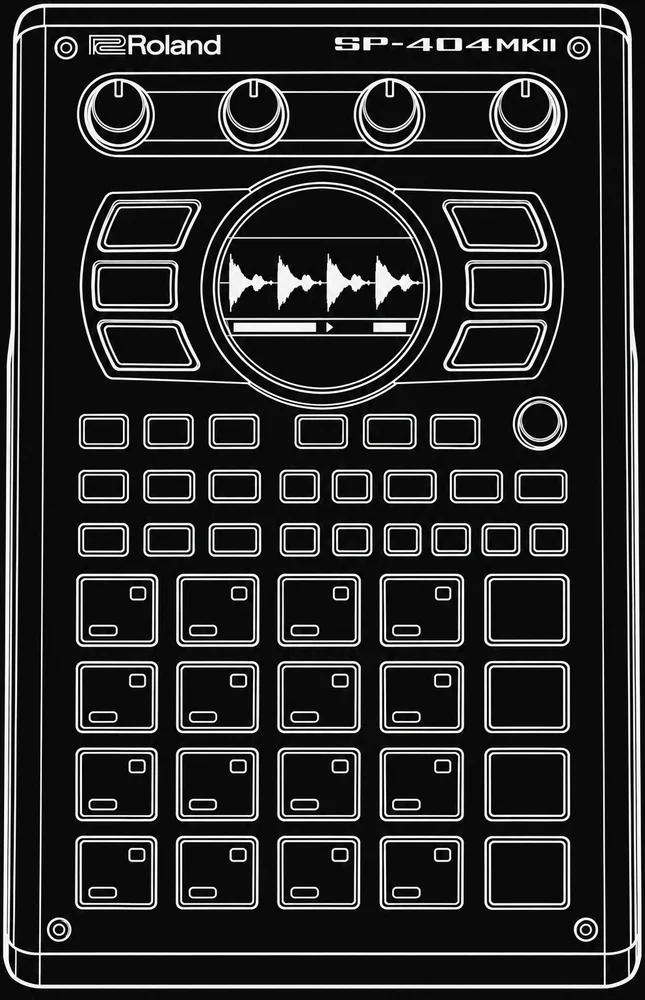 Roland SP-404MKIISampler & effects processorIn the room
Records sounds, chops them into pieces and puts them on playable pads. Its sequencer, effects and resampling workflow let a simple recording become a new rhythm, texture or arrangement.
Before your session
Bring any audio you want to sample and make sure you have permission to use it. Export your work and check with the host before overwriting projects or samples.
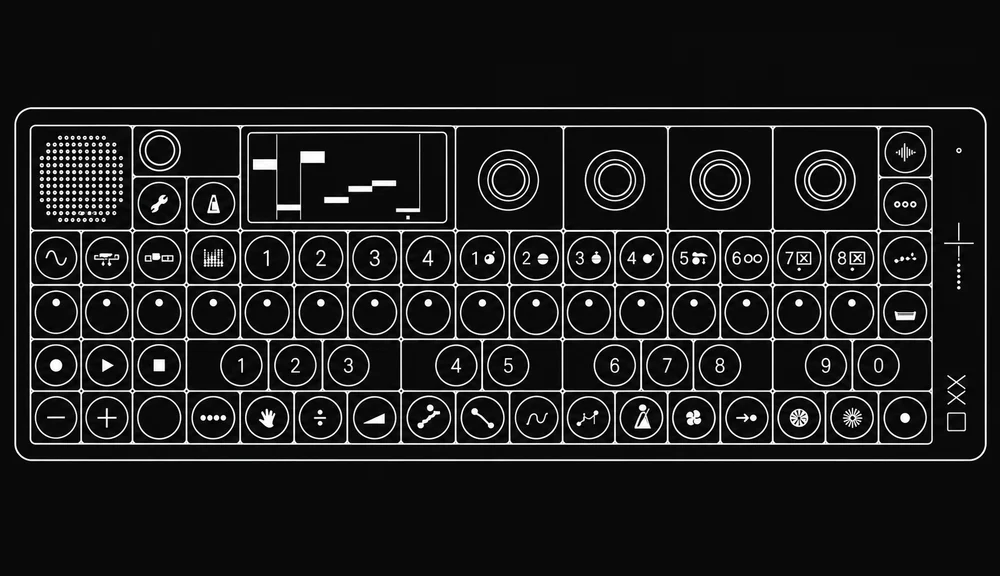 Teenage Engineering OP-XYSynth, sampler & sequencerIn the room
A compact instrument for building multi-part tracks with synthesis, samples and sequencing. Eight instrument tracks hold the musical parts; patterns, scenes and step-level changes help turn a loop into an arrangement.
Before your session
Plan time to save and export your work. Record important parts as audio so you can continue the project away from the instrument.
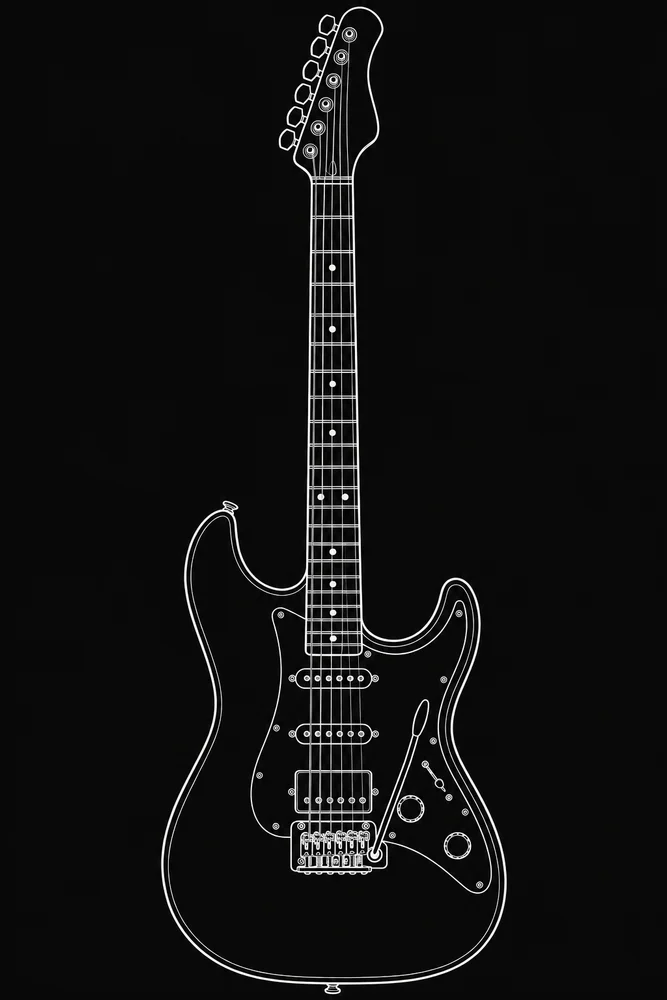 Sire Larry Carlton S5 HSSElectric guitarIn the room
A surf-green solid-body guitar with a bridge humbucker and two single-coil pickups. The pickup selection offers contrasting tones for cleaner rhythm parts, fuller leads and layered electric-guitar work.
Before your session
Tell us if you need a specific guitar sound or tuning. Confirm the DI or amp-simulation setup; a loud guitar amplifier is not assumed to be included.
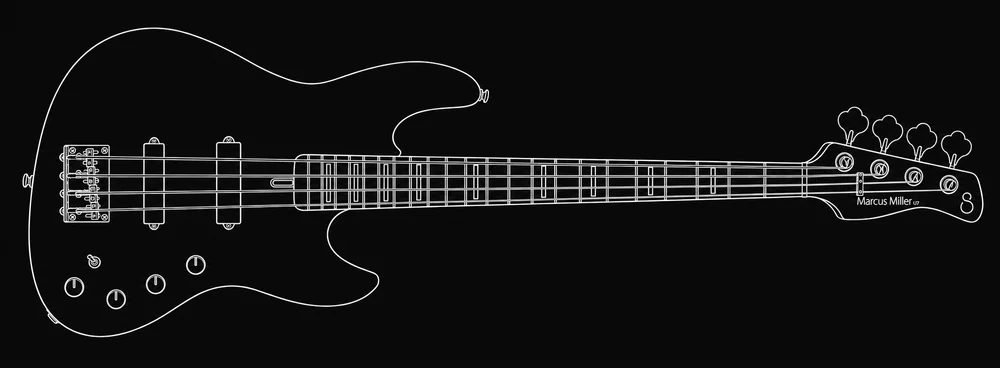 Sire Marcus Miller U7Four-string electric bassIn the room
A satin-black four-string bass with two pickup types and an onboard bass-and-treble preamp. It brings the slides, muting and touch of a performed string part to a track.
Before your session
Ask the host to check the direct input and level before recording. Bring any particular picks or playing accessories you prefer.
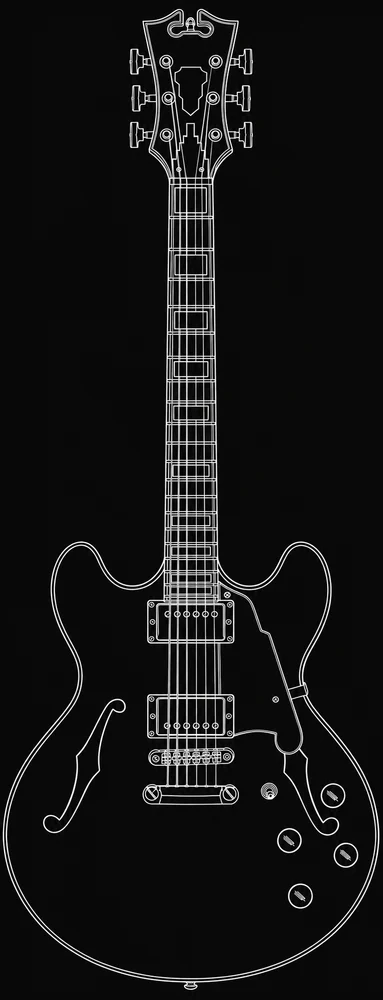 D'Angelico Premier DCSemi-hollow electric guitarIn the room
A double-cutaway semi-hollow guitar with a solid centre block and two humbuckers. Separate volume and tone controls provide options for rounded chord parts and sustained electric lines.
Before your session
This is an electric guitar, not a substitute for an acoustic. Confirm the direct recording or amp-simulation setup with the host.
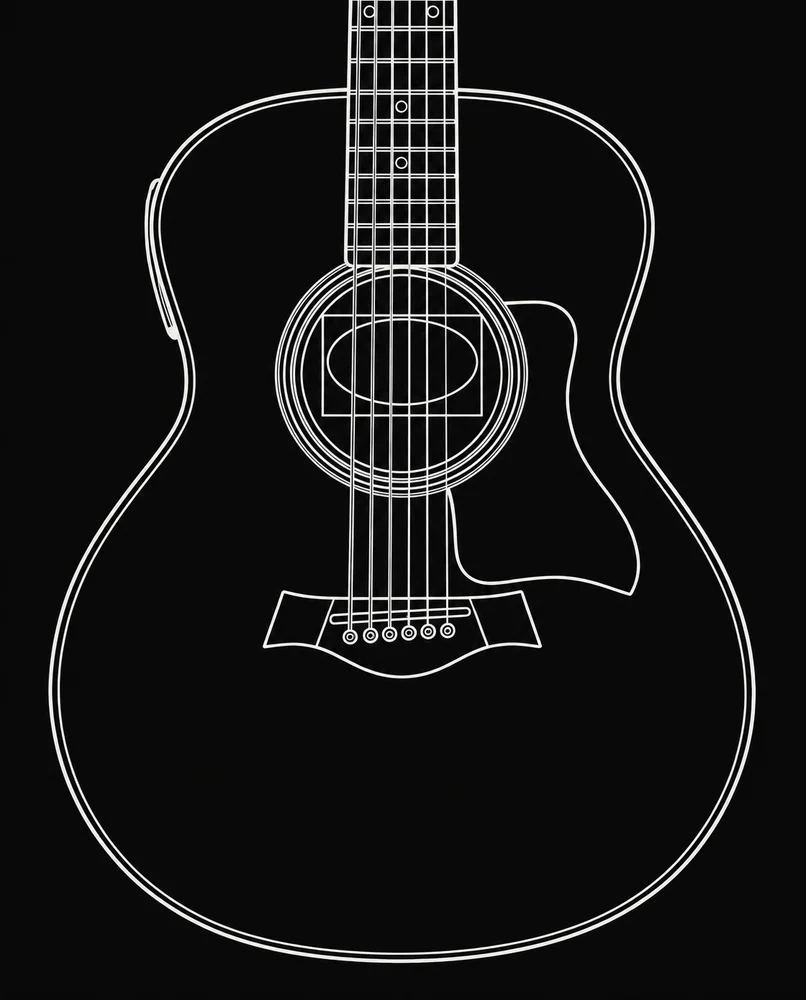 Taylor GS Mini-e Special EditionAcoustic guitarIn the room
The Andertons Exclusive Silverburst edition of Taylor's compact acoustic. Its resonant body can be captured with a microphone, while the onboard pickup offers a separate direct recording option.
Before your session
Bring preferred picks or a capo if your arrangement depends on one. Ask the host to help choose the recording position.
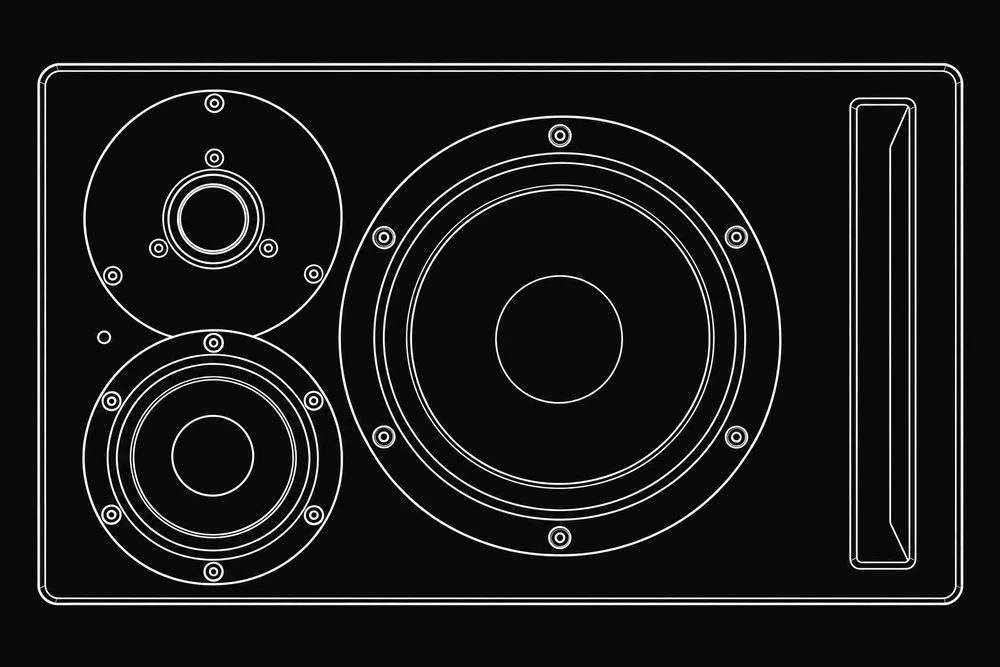 Dynaudio Core 47Active three-way monitor pairIn the room
The room's main stereo speakers. A dedicated midrange driver helps reproduce vocal and instrumental detail, with amplification built into each cabinet. They are the reference for edits, balance, panning and mix decisions.
Before your session
Lower the level before first playback and confirm it with the host. The booking page's session-time guidance still applies; having powerful monitors does not mean unrestricted volume.
GIK freestanding panelsThree movable acoustic panelsIn the room
Absorptive panels help control reflected sound around a performer or microphone. Their position changes what the microphone hears from the room, which is different from making the room soundproof.
Before your session
Arrange placement with the host and keep doors, ventilation and walkways clear.
Triangular bass trapsFour acoustic treatment unitsIn the room
Part of the room's treatment for managing reflected sound and low-frequency behaviour. Their contribution depends on placement and the rest of the room, so listening position and familiar references still matter.
Before your session
Leave fixed acoustic treatment in place. It is not soundproofing or a reason to exceed the room's agreed playback level.
Rockwool treatmentInstalled acoustic materialIn the room
Installed mineral-wool material forms part of the room's acoustic treatment alongside the panels and traps. Absorption helps reduce reflected energy rather than adding an effect to the recorded signal.
Before your session
This is part of the room, not user-adjustable equipment. Leave it in place and speak to the host about any acoustic changes.
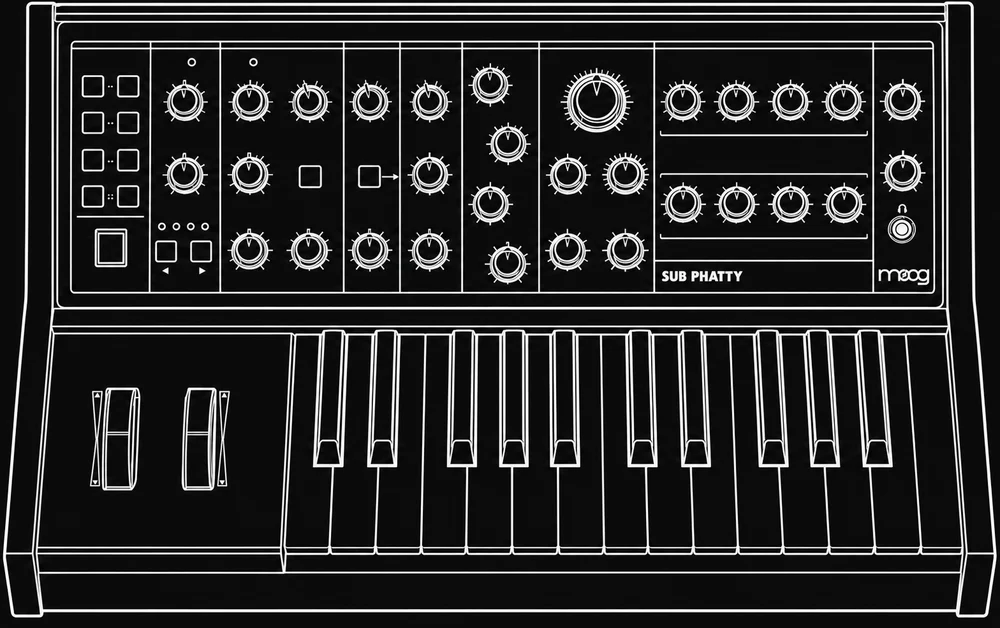 Moog Sub PhattyAnalogue mono synthesiserArrange in advance
A monophonic synth with two main oscillators, a sub oscillator, a ladder filter and MultiDrive. It offers a distinct filter-and-drive response for bass, leads and sound effects, playing one note at a time.
Before your session
Request this instrument before booking and wait for confirmation. It comes from the personal collection and is not permanently in the room.
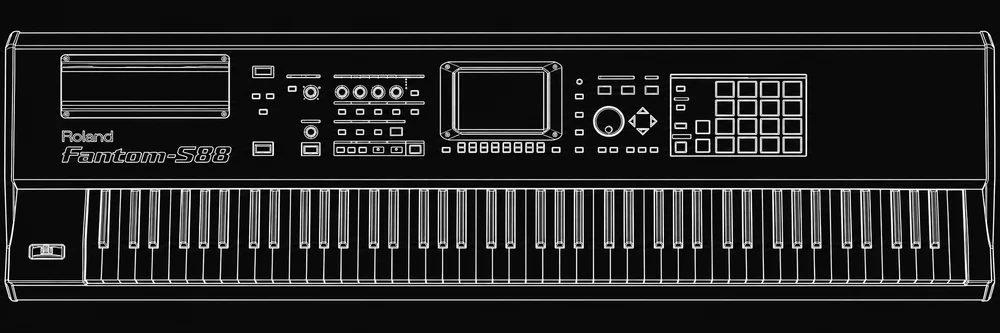 Roland Fantom-S8888-key workstationArrange in advance
An earlier-generation Fantom workstation with a hammer-action keyboard, sample-based sounds, sampling and an internal sequencer. It offers a full keyboard span for two-handed parts and layered arrangements.
Before your session
Arrange it before booking. This is the Fantom-S88, not a current Fantom model; do not assume particular expansion boards or installed memory.
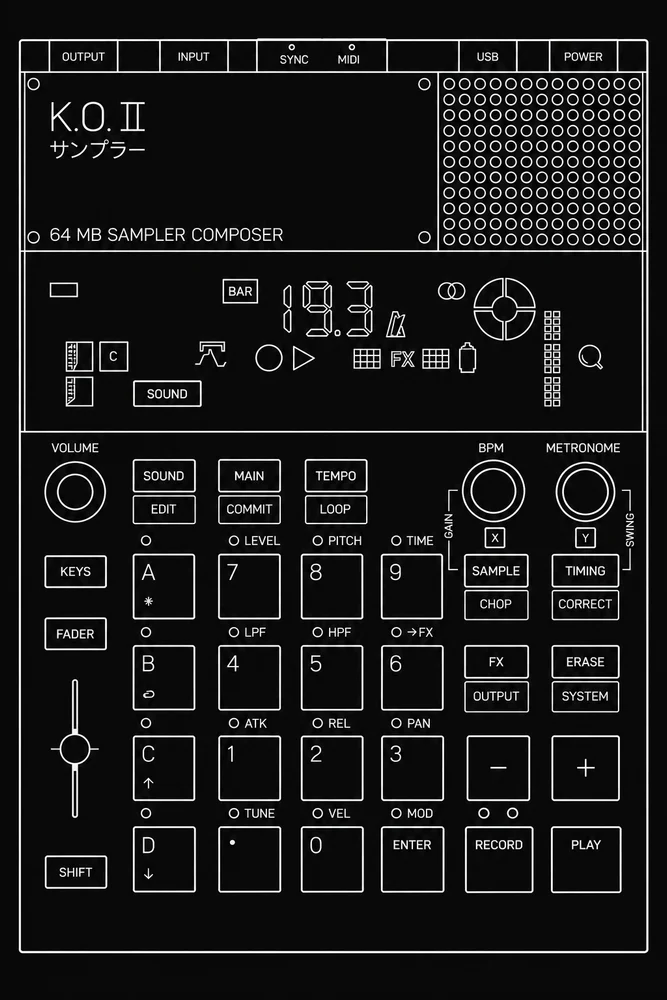 Teenage Engineering EP-133 K.O. IISampler & sequencerArrange in advance
The original 64 MB edition records samples, assigns them to keys and sequences them in groups. The fader and punch-in effects make it a hands-on way to turn short sounds into performed sketches.
Before your session
Request it in advance. Bring samples you have permission to use and allow time to record or export the sketch before leaving.
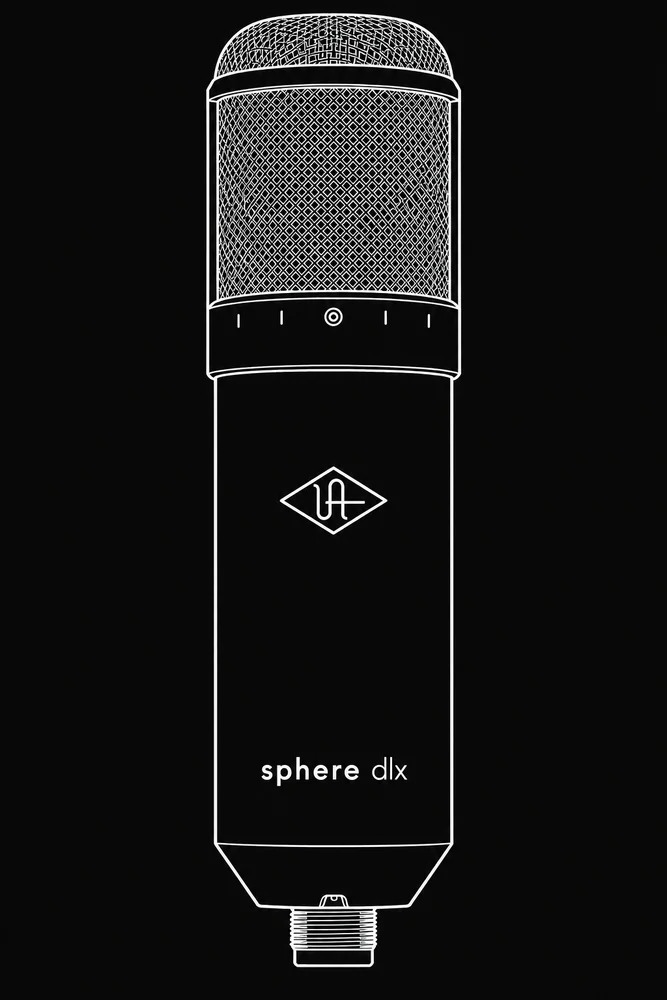 Universal Audio Sphere DLXModelling microphone systemArrange in advance
Records the front and rear capsule signals on two channels. Sphere software uses both signals to model microphone responses and adjust the pickup pattern after recording, offering different choices from a conventional single-channel capture.
Before your session
Arrange it beforehand. The two-channel capture, matched input settings and compatible software need to be prepared with the host.
Universal Audio Apollo x6Thunderbolt audio interfaceArrange in advance
An alternative to the room's standard Atlas workflow, with onboard UAD processing and Console software for input monitoring. Depending on the setup, performers can hear processing while recording, or print it into the audio.
Before your session
Ask in advance about the Apollo setup, computer compatibility, Thunderbolt connection and any specific plug-ins. A USB-C-shaped port alone does not establish Thunderbolt compatibility.
Need a particular piece? Confirm with us before booking. Equipment can be serviced or substituted. Items marked “Arrange in advance” are not permanently in the room. Illustrations identify equipment; the photos above show the studio.
03 / Find us
A studio
close to home.
Based at the Enterprise Centre in Chichester. If you’d like to see the room before booking, get in touch to arrange a look around.
Enterprise Centre
Chichester, PO19 8FY
Full arrival details are shared with confirmed bookings. Tell us about any access requirements so we can help you plan your visit.
01243 282810